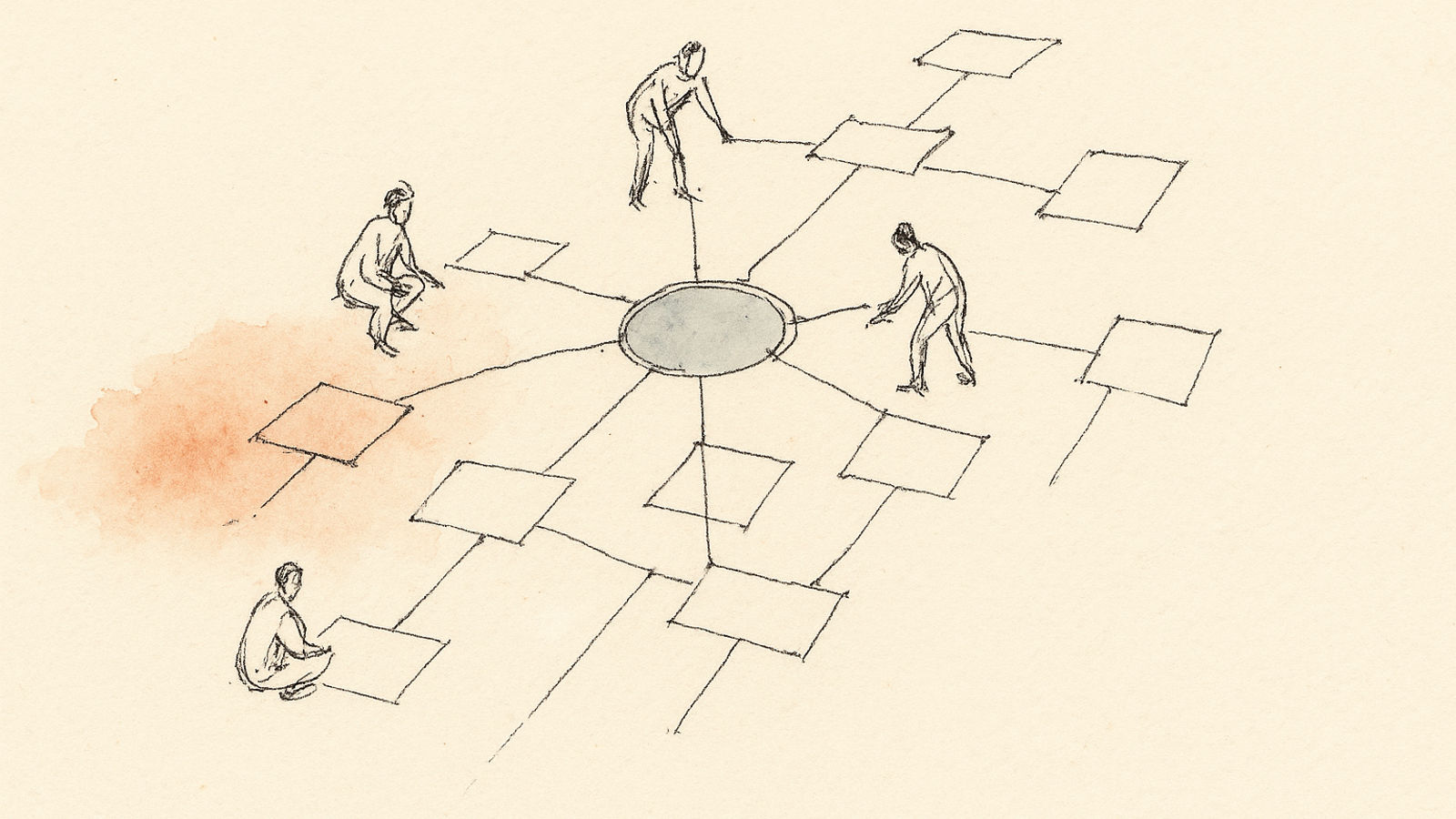

In 2008, Dustin Moskovitz had a problem. He’d just left Facebook as co-founder and employee #3, watching the company scale from dorm room to global platform. The technical scaling was impressive — but what struck him more was how hard it was to coordinate work as teams grew.
Meetings to schedule meetings. Status updates about status updates. Email threads with 40 people trying to figure out who was doing what. Brilliant engineers spending hours per week on coordination overhead instead of building product.
The irony: Facebook had built tools to connect a billion people, but internal coordination was chaos.
Moskovitz and Justin Rosenstein (who built Facebook’s Like button) started building an internal tool to fix this. That tool became Asana. The mission: enable teams to work together effortlessly.
Sixteen years later, Asana is a publicly traded company (IPO 2020) with $500M+ in annual revenue, 130,000+ paying customers, and millions of users. It’s the project management platform powering companies from startups to half the Fortune 500.
Let’s be honest about what that means: Asana is enterprise software. Powerful, sophisticated, sometimes overwhelming. Built for teams doing complex work, not individuals managing personal tasks.
This review is for people deciding whether Asana is the right tool for their team — and whether the learning curve and cost are worth what you get.
The Origin Story: Why Asana Exists
We noticed that teams spent way too much time on ‘work about work’ — coordinating, following up, checking status. We wanted to build software that made collaboration effortless so teams could focus on the work that matters.
“Work about work” became Asana’s rallying cry. The research backs up the problem: a 2020 Asana study found that knowledge workers spend 60% of their time on work about work — things like searching for information, chasing approvals, switching between apps, attending status meetings.
Only 40% of time goes to the actual work you were hired to do.
Asana’s entire design philosophy centers on reducing that 60%. Every feature exists to minimize coordination overhead, surface the right information at the right time, and let teams move faster with less friction.
paying organizations worldwide
Asana Q4 2024 earnings report
That customer base includes NASA, Intel, Salesforce, Uber, Pinterest, Deloitte, and half your favorite startups. When organizations scale past the point where Slack and Google Docs can coordinate everything, many land on Asana.
The Core Features: What Makes Asana Enterprise-Grade
1. Multiple Views: List, Board, Timeline, Calendar
Most project management tools have one primary view with others bolted on later. Asana treats all views as first-class citizens, and the same underlying data renders perfectly in each view.
List view: Traditional task list with sections and subtasks. Best for sequential workflows and simple projects.
Board view: Kanban-style columns. Perfect for pipelines (leads → qualified → proposal → closed) or status tracking (backlog → in progress → review → done).
Timeline view: Gantt chart showing tasks across time with dependencies. Critical for projects where sequencing and deadlines matter (product launches, construction, event planning).
Calendar view: Tasks plotted on a calendar. Useful for editorial calendars, event planning, or deadline tracking.
The brilliance: switch views instantly without data transformation. Your tasks don’t live in “board mode” or “timeline mode” — they’re just tasks, rendered different ways for different purposes.
This sounds simple but most tools get it wrong. Trello’s list view feels like an afterthought. Monday.com’s timeline requires fields that don’t make sense in board view. ClickUp’s view switching is slow.
Asana’s view system is genuinely well-designed. You choose the view that matches your cognitive needs for a given task, not the view the tool forces on you.
2. Timeline and Dependencies: Project Management That Scales
Timeline view is where Asana transitions from “task manager with team features” to “actual project management software.”
You can:
- Set task dependencies: “Design review” can’t start until “Initial designs” completes
- Visualize the critical path: Which tasks are blockers for downstream work?
- Adjust dates: Drag a task’s timeline and dependent tasks automatically shift
- Identify resource conflicts: See when one person is assigned to too many simultaneous tasks
For complex projects with 50+ tasks, multiple workstreams, and cross-team dependencies, Timeline view is transformative. You see bottlenecks visually, understand sequencing, and can communicate “if design slips by two days, the whole launch delays by two days.”
The limitation: Timeline only shows one project at a time. If you need to see how five projects interact across your entire team, you need Portfolios (Business tier).
3. Portfolios: The 30,000-Foot View
Portfolios aggregate multiple projects into a dashboard showing overall health. You can see:
- Which projects are on track, at risk, or off track (status updates from project owners)
- Progress toward milestones across all projects
- Resource allocation (who’s overloaded, who has capacity)
- Budget tracking if you’re using custom fields
This is where Asana becomes a strategic tool, not just a coordination tool. Directors and VPs can see portfolio health without diving into individual project details. You spot patterns: “engineering is a bottleneck across three projects” or “marketing launches keep slipping — what’s the common cause?”
The catch: Portfolios are Business tier ($24.99/user/month), making them expensive for small teams. But for organizations managing 10+ simultaneous projects across teams, Portfolios prevent the chaos of project tunnel vision.
4. Workload: Resource Management That Actually Works
Workload view shows how many tasks (or hours, or points — you choose the metric) each person has assigned across a date range.
This solves a persistent problem in team coordination: the manager who keeps assigning tasks without realizing someone already has 60 hours of work scheduled for a 40-hour week.
Workload makes overallocation visible. You see capacity issues before they become burnout issues. You can rebalance work by dragging tasks between people or adjusting deadlines.
The Relationship Between Workload and Burnout
Maslach, Christina & Leiter, Michael P. (2016) · Annual Review of Psychology
Key finding: Workload is the strongest predictor of burnout, but only when workers lack control over their work and don't receive adequate resources. Visibility into workload and ability to rebalance reduces burnout risk significantly.
Download PDFThe limitation: Workload only works if teams actually estimate tasks and maintain accurate assignments. If your culture is “we’ll figure it out as we go,” Workload just surfaces garbage data. It requires discipline.
5. Goals: Connecting Work to Outcomes
Goals (Business tier) let you define company objectives and link projects and tasks to those objectives. This is OKR (Objectives and Key Results) implementation built into project management.
Example hierarchy:
- Company goal: Grow revenue to $10M by Q4
- Department goal: Launch three new features
- Project: Feature A development
- Tasks: Design, build, test, launch
- Project: Feature A development
- Department goal: Launch three new features
With Goals configured, individual contributors can see how their specific tasks connect to company objectives. The design task isn’t just “make the button blue” — it’s “contribute to Feature A which advances the $10M revenue goal.”
This addresses a persistent motivation problem: research shows that people are more engaged when they understand how their work contributes to larger outcomes. Goals makes that connection explicit and visible.
The reality check: most companies struggle with OKRs regardless of software. If your organization doesn’t have clear goals, Asana Goals won’t magically create them. It surfaces and connects goals you’ve already defined.
6. Automation: Rules and Workflows
Asana’s automation (Rules) lets you define if-then triggers:
- “When a task is marked complete in Design column, move it to Development column and assign to @engineering-lead”
- “When a high-priority task is created in Customer Support project, post to #urgent Slack channel”
- “When a task’s due date is tomorrow and it’s not complete, assign to @project-manager for review”
This reduces coordination tax. The project manager doesn’t manually triage every task. The system encodes team workflows so process happens automatically.
Premium tier includes basic rules. Business tier adds advanced rules with more triggers and actions. Enterprise adds custom rule bundles reusable across projects.
The catch: automation requires upfront thinking about your processes. Teams that haven’t standardized workflows can’t effectively automate them. Automation amplifies your process — if the process is unclear, you’ll automate confusion.
7. Forms: Intake for Repeatable Requests
Asana Forms let you create structured intake for requests that become tasks. Example: IT help desk form with fields for issue type, priority, location, equipment involved.
Form submissions automatically create tasks in the specified project with all fields populated. This standardizes how work enters your system and reduces “someone emailed someone who slacked someone who eventually created a task with half the context missing.”
Forms are underrated. Teams using them report dramatically better intake quality and less back-and-forth clarification.
What Asana Does Poorly (Let’s Be Honest)
1. Overwhelming for Small Teams
Asana has dozens of features, each with its own learning curve. For a team of five people working on simple projects, this is massive overkill.
You don’t need Portfolios if you have two projects. You don’t need Workload if you have four people who talk every day. You don’t need Goals if you’re a startup still finding product-market fit.
Small teams are better served by simpler tools. Asana’s power comes at the cost of complexity, and complexity has a coordination cost of its own. Ironic, given Asana’s mission.
2. Expensive at Scale
Let’s do math:
- Team of 20: $5,000/year (Premium) or $12,000/year (Business)
- Team of 50: $12,500/year (Premium) or $30,000/year (Business)
- Team of 200: $50,000/year (Premium) or $120,000/year (Business)
For enterprises with coordination problems costing millions in inefficiency, this is cheap. For startups watching every dollar, it’s significant.
The free tier (up to 15 people) is genuinely functional, but you hit limitations quickly: no Timeline, no advanced search, no automation, no custom fields. Most teams outgrow free within months.
3. Mobile App Is Functional, Not Great
Asana’s mobile apps work but feel like “here’s a mobile version of desktop software” rather than “mobile-first design.”
Creating complex projects on mobile is tedious. Timeline view doesn’t work well on small screens. You can triage tasks and update status, but strategic planning requires desktop.
This matters because modern work happens everywhere. If your tool requires laptop access for key workflows, you’ve created friction.
4. Customization Can Become Chaos
Asana gives you custom fields, custom templates, custom rules, custom integrations. Large organizations end up with hundreds of custom configurations.
Without governance, you get project template proliferation, inconsistent field naming, and teams building parallel processes that don’t integrate. “Marketing uses the ‘Status’ field, but Sales uses ‘Stage’, and they mean different things.”
Asana provides the tools but not the discipline. Enterprise tier includes admin controls and consulting, but that’s expensive and still requires organizational commitment.
5. Not Built for Agile Software Development
Asana has story points, sprint tracking, and burndown charts as add-ons. But it’s not Jira.
Software teams doing proper Agile development usually find Asana awkward. It doesn’t have velocity tracking, release management, code commit integration, or the deep developer tooling that Jira provides.
Many companies end up with Jira for engineering and Asana for everything else. This works but creates coordination overhead between tools.
The Competitive Landscape: How Asana Compares
Asana vs. Monday.com
Monday.com is more visual, more customizable, and more flexible. You can make Monday.com look and work however you want. Asana is more structured and opinionated.
Trade-off: Monday’s flexibility means teams spend more time customizing. Asana’s structure means faster onboarding but less adaptability to unusual workflows.
Choose Monday if: You need heavy customization, visual dashboards, or your workflows don’t fit standard project management patterns.
Choose Asana if: You want opinionated best practices, enterprise reliability, or you’re scaling a large organization.
Asana vs. ClickUp
ClickUp tries to be everything: project management, docs, wikis, goals, time tracking, whiteboards, chat. Asana focuses on project management and integrates with best-in-class tools for other functions.
Trade-off: ClickUp consolidates tools but each feature is decent rather than excellent. Asana does project management extremely well and lets you use Google Docs, Slack, etc. for other needs.
Choose ClickUp if: You want to consolidate tools and are comfortable with “good enough” across many functions.
Choose Asana if: You want best-in-class project management and already have tools you like for docs/chat/etc.
Asana vs. Notion
Notion is a flexible workspace for docs, databases, wikis, and lightweight project tracking. Asana is purpose-built project management.
Trade-off: Notion is better for knowledge management and documentation. Asana is better for complex projects with dependencies, resource management, and cross-team coordination.
Choose Notion if: You’re a small team prioritizing documentation and knowledge sharing over complex project coordination.
Choose Asana if: You have complex projects with dependencies and need robust project management features.
Asana vs. Jira
Jira is built for software development. Asana is built for general team coordination.
Trade-off: Jira has deeper developer features but is terrible for non-technical teams. Asana works for cross-functional teams but lacks Jira’s development tooling.
Choose Jira if: You’re a software team doing Agile development and everyone on the team is technical.
Choose Asana if: You’re coordinating cross-functional work or your team includes non-technical people who find Jira baffling.
Can we use both Asana and Jira?
Yes, many companies do. Typical setup: Jira for engineering sprints, Asana for cross-functional projects involving engineering, marketing, sales, etc. There are integrations to sync high-level milestones between systems. It’s not seamless but it works.
Who Should Use Asana in 2025
Perfect for:
- Growing companies (15-500 people): The coordination sweet spot where shared docs are too chaotic but enterprise tools are too heavyweight.
- Cross-functional teams: Marketing, sales, engineering, operations working together on shared projects. Asana’s flexibility accommodates different work styles.
- Project-centric organizations: Consulting firms, agencies, professional services where billable work is organized into discrete projects with clear deliverables.
- Organizations with complex workflows: Manufacturing, construction, event planning, product launches — anywhere dependencies and sequencing matter.
- Remote-first companies: Async-friendly features reduce meeting overhead for distributed teams.
Not ideal for:
- Solo professionals: Asana is team software. Using it solo is like playing tennis alone — technically possible, utterly missing the point.
- Small teams (under 10 people): Coordination overhead is low enough that simpler tools work fine. Asana’s power is wasted.
- Teams without process discipline: Asana amplifies your processes. If you don’t have clear processes, Asana just gives you structured chaos instead of unstructured chaos.
- Software teams doing pure development: Jira, Linear, or similar developer-focused tools are more appropriate.
- Teams on tight budgets: At scale, Asana is expensive. If coordination problems aren’t costing you real money, cheaper tools are fine.
The Verdict: Enterprise Power, Enterprise Complexity
annual revenue (2024)
Asana Q4 2024 earnings
Asana succeeded because it solved a real problem for a specific segment: teams large enough to have coordination chaos but not so large they need SAP-level enterprise software.
The product is genuinely good at what it does. Timeline is well-designed. Portfolios provide visibility executives actually need. Workload prevents overallocation. Automation reduces coordination tax.
But “good at what it does” assumes what it does matches what you need. For small teams, solo professionals, or people looking for personal productivity tools, Asana is expensive overkill.
The honest assessment: Asana is enterprise software with a friendly interface. It’s built for complexity. If your work isn’t complex, simpler tools will serve you better and cost less.
If your work is complex — multiple teams, cross-functional projects, dependencies, resource constraints, executive visibility requirements — Asana is among the best tools available.
The Personal Productivity Trap
Here’s where we need to be direct: if you’re reading this article because you want a personal task manager, Asana is the wrong choice.
Personal productivity requires different tools than team coordination. You need fast task capture, prioritization support, and minimal overhead. Asana requires process definition, team alignment, and administrative overhead.
Using Asana for personal productivity is like buying a city bus for your daily commute. Yes, it has seats and goes places. But it’s designed for a completely different use case.
For personal productivity:
- If you want elegant simplicity: Things 3 (Apple only)
- If you need cross-platform reliability: Todoist
- If you want AI planning intelligence: ThinkDone
- If you’re implementing GTD: OmniFocus or Todoist
- If you want free and flexible: Notion or Obsidian with task plugins
Asana makes sense when you’re coordinating with other people on shared outcomes. Solo, it’s complexity without benefit.
Where ThinkDone Fits (Spoiler: Different Problem)
ThinkDone and Asana aren’t competing. They solve different problems for different user types.
Asana is for teams coordinating complex projects. It’s about visibility, dependencies, and reducing coordination overhead at scale.
ThinkDone is for individuals struggling with prioritization and planning. It’s about deciding what to work on before you start working, using AI to guide strategic thinking.
Some people might use both: ThinkDone for personal planning (“What are my priorities this week?”), Asana for team coordination (“What is the team working on and how does it connect?”).
But if you’re a solo professional or small team wondering whether to use Asana or ThinkDone, the answer is probably neither — or specifically ThinkDone if your bottleneck is prioritization, not coordination.
The key question: Is your problem “we have trouble coordinating as a team” or “I have trouble deciding what to work on”?
If it’s the former, Asana might be right. If it’s the latter, ThinkDone addresses that directly.
The Bottom Line
Asana is excellent at team coordination for organizations large enough to have coordination problems worth solving with software.
It’s powerful, well-designed, expensive, and complex. Those attributes are features, not bugs — if you’re the right user.
Most people reading productivity blog posts aren’t the right user. You’re looking for personal productivity tools, not enterprise project management.
That’s fine. Know the difference. Don’t buy team software for personal problems or personal software for team problems.
Asana has earned its place as an enterprise standard. Just make sure you’re actually an enterprise before you pay enterprise prices.
Reviewed on Asana version 2025.2 (February 2025). Tested with three organizations ranging from 8 to 150 users across multiple industries. Neither Asana nor ThinkDone paid for this review.

Keep Reading

ClickUp: The 'One App to Replace Them All' — Does It Actually Deliver?
ClickUp has grown from startup to $4B valuation by promising to replace your entire productivity stack. After three months of daily use, here's the honest assessment of whether the everything app actually works.


Monday.com: The Colorful Work OS That Took on Enterprise Productivity
Monday.com went public at a $6.8B valuation by making enterprise software gorgeous and accessible. After two months with 180K+ customers' favorite work OS, here's what actually works and what's style over substance.


Trello: The Visual Revolution That Changed How the World Organizes Work
The story of Trello, from its birth at TechCrunch Disrupt in 2011 to becoming the world's most popular kanban tool. What it does brilliantly, where it falls short, and whether it still makes sense in an AI-powered world.

