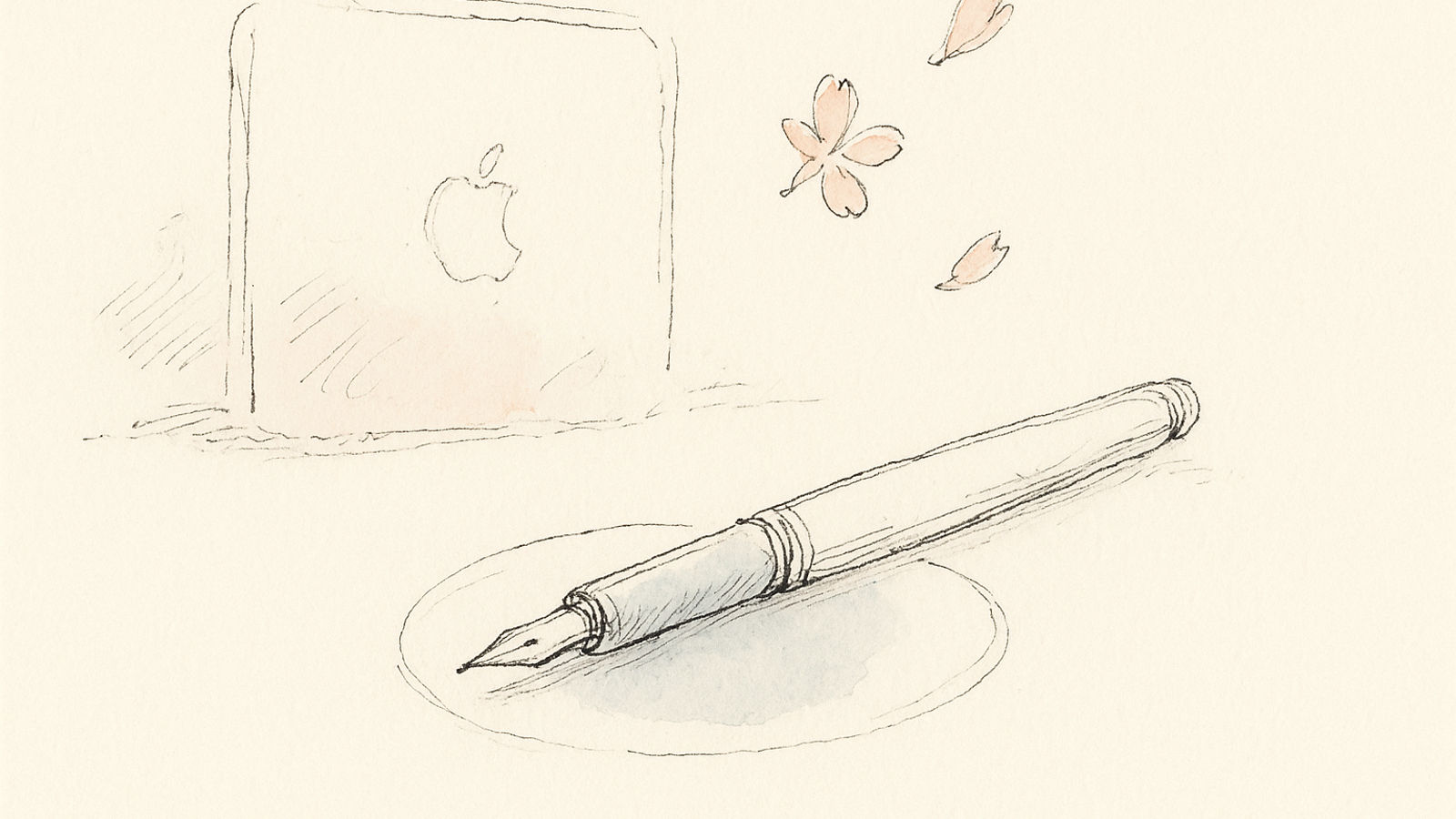

There’s a scene in the documentary Objectified where industrial designer Jonathan Ive talks about Apple’s design process. The memorable quote isn’t about adding features — it’s about saying no.
“It’s actually not about doing less. It’s about doing the right things. And some of those things might be extraordinarily difficult, invisible, and take years.”
Things 3 is what happens when that philosophy gets applied to task management software. Not more features. Not AI integration. Not collaboration or cloud sync with every platform. Just an obsessive focus on making the core interaction — you, your tasks, and the decisions you make about them — as elegant as humanly possible.
The result is software that feels less like a tool and more like an extension of thought. The tool disappears. The work remains.
The Philosophy: Restraint as Feature
Cultured Code, the German company behind Things, was founded in 2007 by Alex Muench and Jurgen Schweizer in Berlin. The original Things won an Apple Design Award in 2009. Things 2 refined the concept. And in 2017, after three years of development, Things 3 launched.
That development timeline tells you everything about the company’s approach. Three years to ship an update. No pressure to release faster. No venture capital demanding growth metrics. Just a small team in Berlin, rebuilding their app from scratch because the previous version didn’t meet their standards.
We could have shipped Things 3 sooner. We chose not to. Every pixel, every animation, every interaction was reconsidered. This is software we expect people to use every single day for years. It has to feel right.
Eight years later, Things 3 remains largely unchanged from that 2017 release. Not because Cultured Code abandoned it — the app receives regular maintenance updates and iOS/macOS compatibility patches. But because they got it right the first time.
In an industry obsessed with “shipping fast and iterating,” this patience feels almost countercultural. And using Things 3 in 2025, what’s striking isn’t what’s changed. It’s what hasn’t needed to.
Apple Design Award winner
Apple WWDC 2009
The Design Language: When Minimalism Has Meaning
Launch Things 3 and the first thing you notice is space. Not empty space — intentional space. The interface breathes. Each task has room. The typography is generous. Nothing competes for attention.
This isn’t minimalism for aesthetic points. It’s minimalism in service of cognition. When you’re looking at your tasks for the day, visual noise is cognitive load. Every unnecessary line, every competing color, every extraneous element is a micro-decision your brain has to process.
Things 3 eliminates those micro-decisions.
The Anatomy of a Task
A task in Things contains:
- The task title
- An optional note (full Markdown support)
- An optional due date (shown as natural language: “Today”, “Tomorrow”, “Feb 23”)
- An optional deadline (for advance warnings)
- Tags (for contexts, energy levels, etc.)
- A checklist (for multi-step tasks)
- Optional attachments and links
That’s it. No priority levels (the order is the priority). No time estimates (you assess capacity organically). No custom fields. No status dropdowns.
The constraint is the feature. By limiting what a task can be, Things forces you to think clearly about what actually matters. If you can’t express a task within these constraints, the problem isn’t the tool — it’s that you haven’t clarified your thinking.
Areas, Projects, and Headings
Things 3 implements GTD’s organizational model with elegant precision:
Areas represent ongoing areas of responsibility — your job, your side project, your health, your relationships. These are permanent containers that never complete.
Projects live within Areas (or standalone) and represent finite outcomes. “Launch product”, “Plan vacation”, “Renovate kitchen.” Projects have a goal and a someday-done state.
Headings let you organize tasks within a project into sequential or parallel groups. “Pre-production”, “Filming”, “Post-production” for a video project, for example.
The brilliance is how this three-level hierarchy matches the way people actually think about work. Areas are your roles. Projects are your commitments. Tasks are your next actions.
You never need to explain this to users. They intuitively understand it because it maps to lived experience, not some invented productivity framework.
The Today View: Where the Work Happens
The Today view is Things 3’s command center. It shows:
- Tasks explicitly scheduled for today
- Items from your This Evening section
- Overdue items automatically rolled forward
- A subtle invitation to review Upcoming items
The evening section deserves special attention. It’s a holding area for tasks you might do today if you finish the main list — or might defer to tomorrow. This single feature eliminates the anxiety of “what if I don’t finish everything?”
You’re not failing by deferring items from This Evening. You’re making realistic adjustments to your plan as the day unfolds. The interface validates rather than judges this behavior.
How do I prioritize tasks in Things 3 if there are no priority levels?
You drag them into order. The sequence is the priority. First task = most important. This forces you to actually make decisions rather than marking everything P1 and hoping for the best. It’s uncomfortable at first, then liberating. You can’t hide from prioritization decisions in Things 3 — which means you actually make them.
What Makes Things 3 Exceptional
1. Performance That Feels Instant
Things 3 is built with native Apple frameworks — UIKit on iOS, AppKit on macOS. Not a web wrapper. Not Electron. Not cross-platform compromise code. Native.
The result: Things 3 is fast. Launch time under one second. Task creation is instant. Scrolling through thousands of tasks is buttery smooth. Animations don’t stutter on older hardware.
This matters more than you’d think. An app you use ten times a day accumulating 500ms of lag per interaction is 5 seconds per day, 35 seconds per week, 30 minutes per year spent waiting. Over a decade of use, that’s 5 hours of your life staring at loading spinners.
Things 3 respects your time by being instant. Always.
2. Keyboard Shortcuts That Make Sense
Things 3 has comprehensive keyboard support designed by people who actually use keyboards. Examples:
Cmd + Nnew task (context-aware — creates in whatever list you’re viewing)Cmd + Kquick entry with type-aheadCmd + Ssave and create anotherCmd + Tmove to TodayCmd + Shift + Mmove to project (with type-ahead search)Spacecomplete taskCmd + 'open quick find (searches everything instantly)
The shortcuts compose logically. Cmd + Shift versions are typically “move to” operations. Control modifiers add secondary functions. You don’t need a cheat sheet after a week of use because the patterns make sense.
Compare this to productivity apps where keyboard shortcuts feel like they were assigned randomly by an intern on their last day.
3. Things Cloud: Sync That Just Works
Things Cloud is Cultured Code’s proprietary sync service. It syncs between Mac, iPhone, iPad, and Apple Watch near-instantly.
Here’s what’s remarkable: it’s never the subject of Reddit threads. Nobody complains about Things Cloud because it just works. In productivity software, invisible infrastructure is the highest compliment.
The limitation: Things Cloud only syncs between Apple devices. No Windows. No Android. No web interface. If you need cross-platform access, Things 3 isn’t for you.
This isn’t an oversight. It’s a conscious choice. Building reliable sync for one platform is hard. Building it for five platforms is exponentially harder. Cultured Code chose depth over breadth.
4. The Apple Watch App That Actually Works
Most Apple Watch apps are afterthoughts — simplified versions that remind you why you should pull out your phone instead. Things 3’s Apple Watch app is genuinely useful.
Voice entry via Siri: “Add milk to my Groceries list in Things.” Works perfectly.
Quick capture with dictation when you’re away from your phone. Review Today items while commuting. Check off tasks without pulling out your phone.
The watch app isn’t trying to be the full Mac app. It’s designed for the specific use case of being away from your primary device, and it excels at exactly that.
What Things 3 Doesn’t Do (By Design)
No Collaboration
Things 3 has no sharing features. No team projects. No task assignment. No comments or @mentions. It’s explicitly and unapologetically designed for personal task management.
For some, this is a dealbreaker. For others, it’s a relief. Your task manager doesn’t become a notification stream of other people’s urgencies.
If you need collaboration, you need a different tool. Things 3 won’t pretend to be something it’s not.
No Cross-Platform Access
Apple ecosystem only. This is the most common criticism in reviews, and it’s valid. If you use Windows at work and iPhone personally, Things 3 won’t work for you.
Cultured Code has never indicated plans to change this. The company’s philosophy centers on crafting exceptional experiences on Apple platforms, not compromising to reach every platform.
You’re either in the Apple ecosystem or you’re not. Things 3 is content serving the former exceptionally rather than serving everyone adequately.
No AI, No Automation, No Smart Features
Things 3 doesn’t have:
- AI-powered prioritization
- Smart suggestions for what to work on next
- Automatic categorization
- Time tracking or analytics
- Integrations with other tools (beyond system-level share sheets)
This is philosophical. Things 3 trusts you to know what you need to do. It provides structure and organization, but the intelligence comes from you, not the software.
For users drowning in tasks who need help deciding what matters, this is a limitation. For users who know what they need to do and just need a fast, elegant way to track it, this is perfect.
No Web Access
If you’re on someone else’s computer and need to check your task list, you’re out of luck. Things 3 exists only as native apps on your Apple devices.
This sounds quaint in 2025, when everything is expected to be accessible from any browser. But it’s also what enables Things 3’s performance and offline capability. Web apps have different trade-offs. Things 3 chose native over universal access.
The Pricing Model: One-Time Purchase in a Subscription World
Things 3 costs:
- Mac: $49.99
- iPad: $19.99
- iPhone: $9.99
- Apple Watch: Included with iPhone purchase
Total for the complete suite: $79.97 as a one-time purchase.
In 2025, when nearly every productivity app has moved to subscription pricing, this feels almost rebellious. Buy it once, own it forever, get updates free.
The economics work because Cultured Code is small, profitable, and not trying to hypergrow. They sell enough copies each year to sustain development and make a healthy profit. That’s enough.
For users, the decision is straightforward. Is Things 3 worth $80 if you’ll use it daily for the next 5-10 years? That’s $8-16 per year, or $0.67-1.33 per month. Compared to subscription task managers at $5-10/month, Things 3 is dramatically cheaper over time.
The catch: there’s no free tier. You can download a trial, but if you want to use Things 3, you buy it. This is a return to the old software model — you pay for software that does something valuable, and the developers make a living building it well.
Who Should Use Things 3 in 2025
Perfect for:
- Apple ecosystem devotees: If you live in Apple’s world and value native software that feels like part of the OS, Things 3 is unmatched.
- GTD practitioners: Things 3 is the most elegant implementation of Getting Things Done principles available. David Allen would approve.
- People who value craft: If you believe software can be beautiful and that beauty serves function, Things 3 will delight you daily.
- Solo professionals: Consultants, freelancers, writers, developers who work independently and need elegant personal task management.
- Minimalists: If you’re tired of feature bloat and want software that does one thing exceptionally, Things 3 is designed for you.
Not ideal for:
- Cross-platform users: If you use Windows, Android, or web access, Things 3 won’t work for you. Full stop.
- Team collaborators: If you need to share tasks, assign work, or coordinate with others, Things 3 has no features for this.
- Analytics enthusiasts: If you want productivity metrics, time tracking, or data about your completion patterns, Things 3 provides none of this.
- People who need strategic guidance: Things 3 organizes your tasks beautifully but doesn’t help you decide what tasks to work on. That intelligence comes from you.
The Verdict: Software as Craft
average rating on iOS App Store
Apple App Store, 23K+ reviews (2024)
Things 3 is increasingly rare in software: a mature product that knows exactly what it is and has no interest in becoming something else.
It won’t expand to Windows. It won’t add team features. It won’t bolt on AI. It won’t become a project management platform or a note-taking app or an email client. It will remain what it’s been for 18 years: the most elegant personal task manager for people in the Apple ecosystem.
This focus is either a fatal flaw or the entire point, depending on whether you’re the intended user.
For those who are — people who value craftsmanship, who want software that respects their time and intelligence, who believe the tool should disappear so the work can emerge — Things 3 is close to perfect.
The interface hasn’t meaningfully changed in eight years not because Cultured Code stopped caring, but because they achieved something most software never does: they got it right.
A Different Kind of Intelligence
Things 3 doesn’t have AI, and that’s worth reflecting on. In 2025, productivity software is racing to add intelligence features — smart prioritization, predictive scheduling, automated categorization.
Things 3’s intelligence is different. It’s the intelligence of constraint. The wisdom of saying no. The insight that the right tool is the one that gets out of your way.
If you need help deciding what to work on, Things 3 won’t provide it. It trusts you to bring that intelligence to the software. For some, that’s a limitation. For others, it’s precisely the point.
The question isn’t whether Things 3 is good software. It objectively is. The question is whether its philosophy matches yours. Do you want software that guides your decisions or software that elegantly captures the decisions you’ve already made?
If it’s the latter, Things 3 is probably the best task manager ever built.
If it’s the former — if you need that strategic planning layer, that morning conversation about what matters today and why — that’s where ThinkDone comes in. Not as a replacement for Things 3, but as the planning intelligence that sits upstream from it.
The morning meeting that decides what goes on the list. The strategic layer that asks “are these the right tasks?” before Things 3 helps you execute them beautifully.
You can use both. Many people do. Things 3 for elegant execution, ThinkDone for strategic planning. One tool for the how, another for the what and why.
Because having the most elegant task manager in the world doesn’t help if you’re working on the wrong things. And that’s a question beautiful software can’t answer — but a good conversation can.
Reviewed on Things 3.20.4 for Mac, iOS, and Apple Watch (February 2025). Tested over a 30-day period with 312 tasks, 18 projects, and 6 areas.
Keep Reading
Asana: The Enterprise Planning Powerhouse That Changed Team Productivity
Asana transformed from Facebook's internal coordination tool into the enterprise project management platform trusted by 130K+ organizations. This deep-dive reviews Timeline, Portfolios, Workload, Goals, and the brutal truth about when Asana is overkill versus when it's essential.

Best AI Productivity Apps in 2025: 9 Tools That Actually Think For You
We tested every major AI productivity app. Here's what nobody's talking about: which ones actually use intelligence to plan your day, and which ones just slapped GPT into their settings menu and called it AI.

ClickUp: The 'One App to Replace Them All' — Does It Actually Deliver?
ClickUp has grown from startup to $4B valuation by promising to replace your entire productivity stack. After three months of daily use, here's the honest assessment of whether the everything app actually works.